

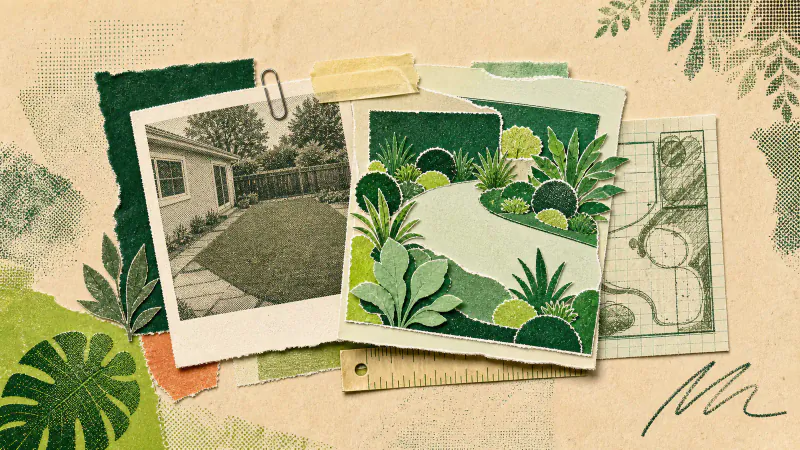
An AI garden design app takes a photo of your outdoor space, combines it with a design direction and asks an image model to show that direction on the same scene. The short version: you get a picture of a possible garden, not a measured plan, planting schedule or construction drawing.
That distinction matters. An AI render can make a vague preference visible quickly: fewer hard edges, denser borders, a calmer palette, a more useful seating area. It cannot inspect your soil, measure a slope or tell you whether a plant will survive February where you live.
What happens after you upload a garden photo
The process is short:
- You choose a design style.
- You provide one photo of a backyard, front garden or planted patio.
- The photo and a fixed set of instructions go to an image model.
- The model returns a redesigned version of the scene.
In Gardenly, the model is instructed to redraw the planting, beds, lawn, garden furniture and decorative elements, and to leave the house, fences, walls, paths, other hardscape, camera position, perspective, lighting and property boundaries as they were.
Asked is the important word. These are instructions to an image model, not locked geometry in architectural software. Most results keep the recognisable structure of the photo, but the model can take liberties, and a few styles deliberately go further: Sketch turns the scene into a line drawing, while Cyberpunk, Post-apocalyptic, Ski Chalet and Medieval can rework the building too.
Generation can take up to a minute. When the result arrives, the original photo stays available for comparison, and the render can be saved or shared.
Why the original photo has so much influence
The model only knows the garden through the image you give it. A clear photo supplies the boundaries, existing paths, house frontage and rough proportions that make the result feel like your place rather than a generic garden.
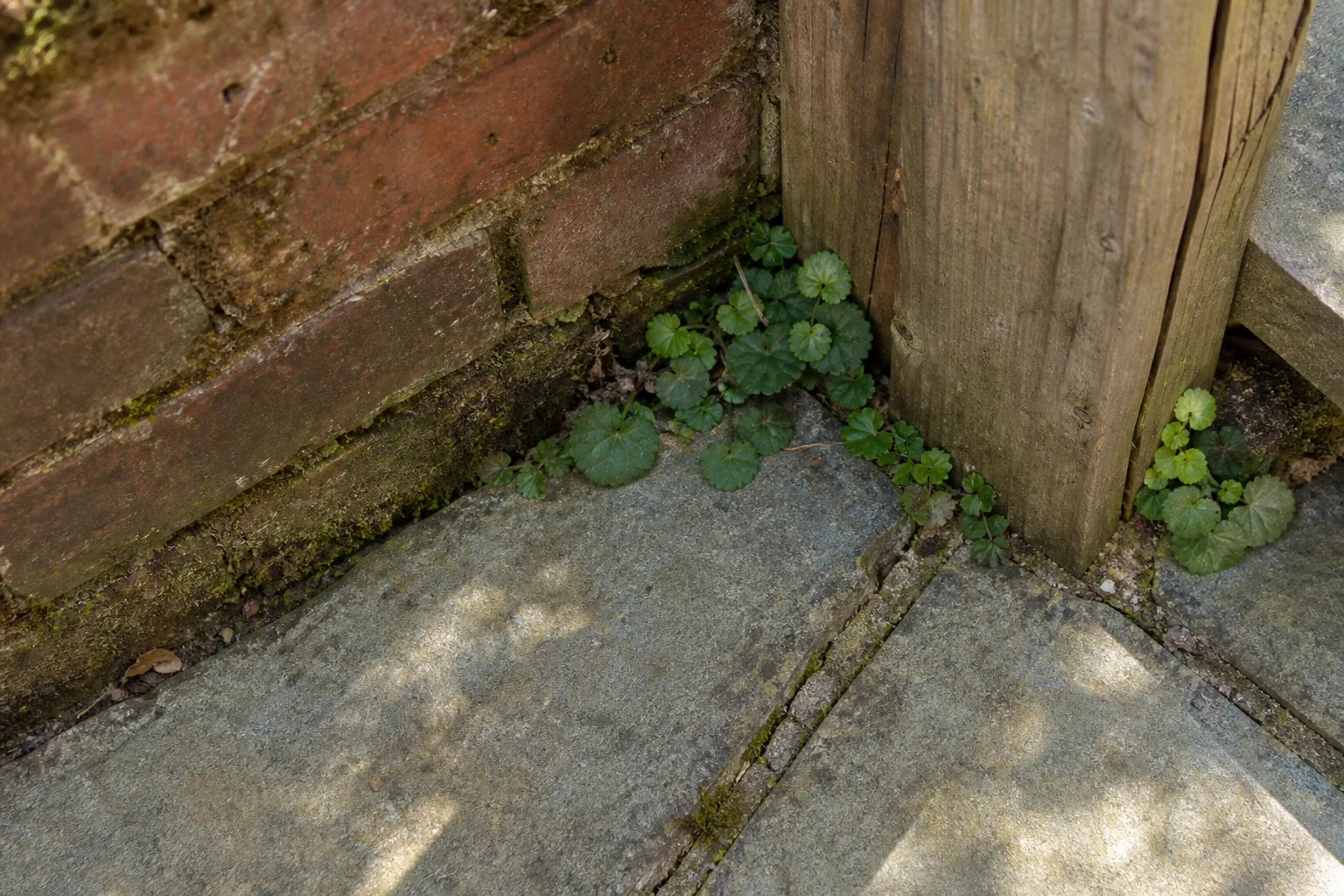
A weak photo leaves more room for guesswork. If a hedge blocks half the plot, the model cannot see what sits behind it; in deep shadow, small edges and level changes are harder to read. Photograph the space from a position you actually use, keep the fixed features visible and avoid harsh light; the full guide to photographing your yard for AI garden design covers the details.
What an AI garden render is good for
The best use is comparison. Look at the same yard in several directions and notice which decisions keep appealing to you. Perhaps every version you save has a smaller lawn, or moves the seating closer to the house, or uses one broad border instead of several small beds. Those repeated preferences turn "make it nicer" into something another person can discuss with you.
A render can also expose a bad idea cheaply. A dramatic path might look wonderful in isolation and awkward against the back door, and seeing that tension in a picture is easier than discovering it after materials arrive. That makes an AI image handy before a conversation with a landscaper: you bring a visual brief based on your own plot instead of a folder full of gardens with different houses, light and proportions.
What AI garden design cannot tell you
An appealing image is not evidence that the garden can be built as shown. The model does not visit the site, and the render does not include the information needed to price or construct the work. It cannot reliably settle:
- whether the levels and drainage support the layout;
- which plants suit the soil, light and local climate;
- how large those plants will become;
- what is hidden below the ground;
- whether walls, steps or structures need technical work or permission;
- what the finished garden will cost.
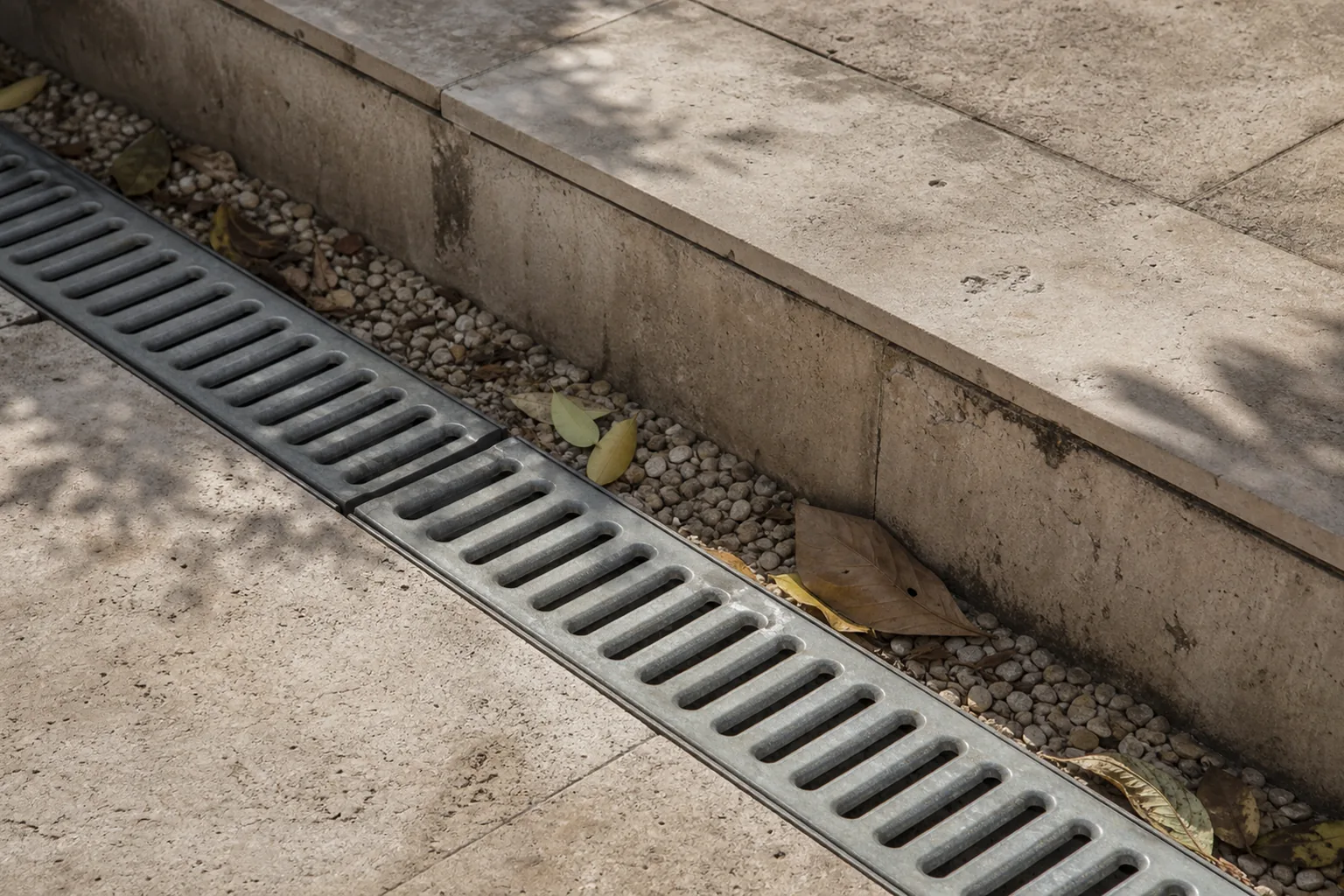
Gardenly does not produce planting lists or working drawings. It offers a fixed gallery of visual styles, which makes it useful early, when the question is "which direction feels right?", and much less useful once the question becomes "how do we build this safely and keep it alive?"
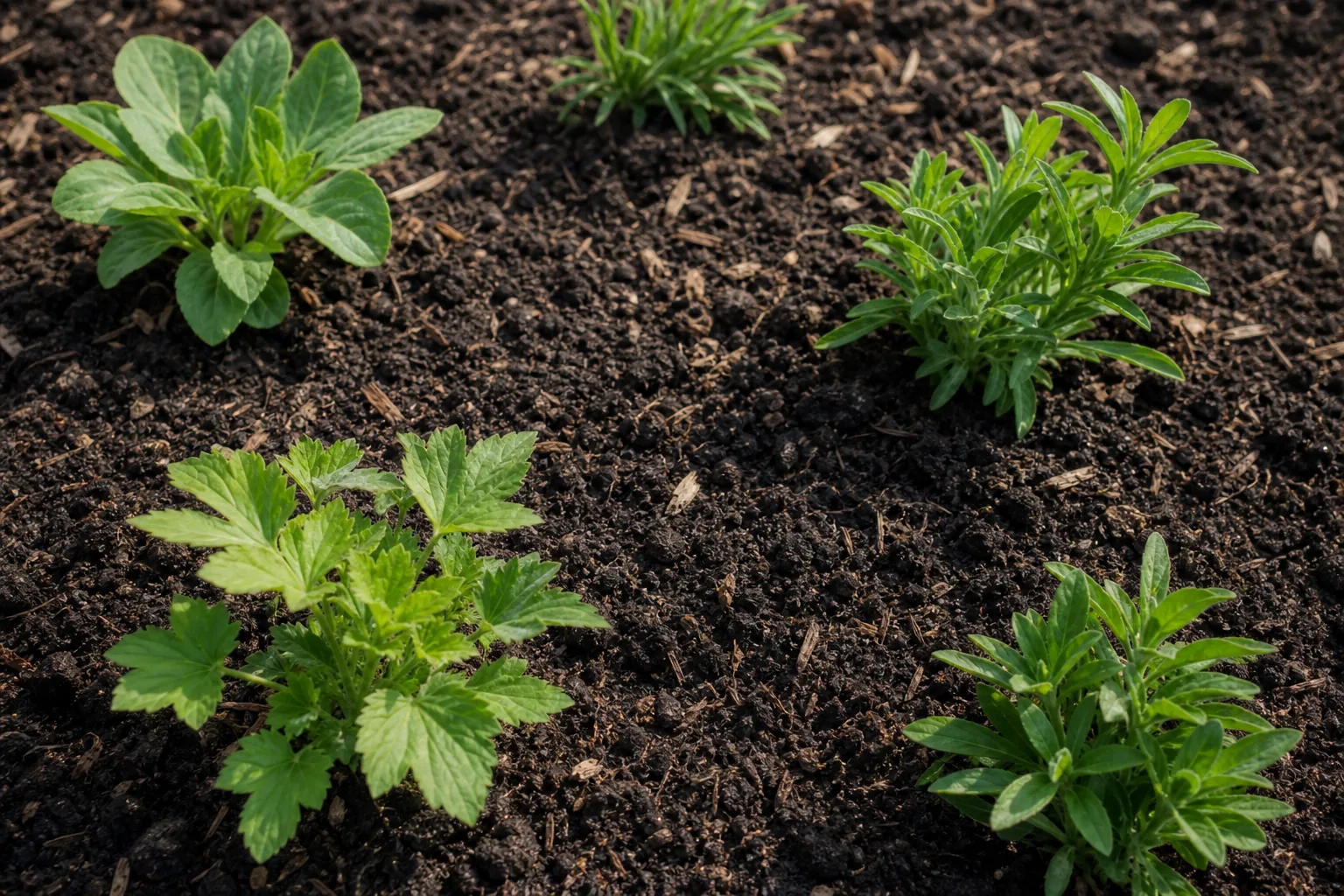
One limitation sits right there in the finished image: the model cares about the picture. A bed can look full on day one even though real planting needs spacing and time. Nice to look at, perhaps. Still not a shopping list.
A sensible way to use the result
Generate a few genuinely different directions, not twelve tiny variations of one. Compare them against the original photo and write down the specific choices you like: the width of a border, the balance between lawn and planting, the position of seating.
Then sort the picture into three buckets:
- Keep: ideas that clearly fit the space and how you use it.
- Check: planting, levels, drainage, access and structural changes that need local knowledge.
- Ignore: visual flourishes that look good but do not solve anything.
Take the shortlist, the original photo and one or two renders to someone who can assess the site. A professional may change the plants, materials or dimensions while preserving the idea that made the image useful.
AI garden design sits between imagination and planning: more specific than a mood board because it uses your own photo, far less specific than a design that has been measured, checked and drawn for construction. That gap is where an AI garden design app earns its keep. The Gardenly FAQ explains its styles, photo handling, devices and account-free setup.