

AI garden design can be told to change the garden while leaving the house alone. In Gardenly, that instruction covers the facade, roof, windows, doors and other architectural features. It also covers more than the building: fences, walls, paths, paving, the camera position, the light and the property boundaries are all meant to stay as they were in your photo.
The awkward word is "meant". An image model follows an instruction rather than a locked technical drawing, so it can still move a window, soften an edge or invent a bit of paving. The result is a picture for comparing garden directions, not proof that every fixed feature has survived unchanged.
What the preservation instruction includes
Gardenly divides the scene into things the model may redraw and things it should hold steady. Planting, beds, lawn, garden furniture and decorative garden elements may change. The fixed list is broader:
- the house facade, roof, windows and doors;
- fences, walls, paths, paved surfaces and other hardscape;
- the camera position, perspective and time of day;
- property boundaries and the distances between things.
That last part matters when you want to judge scale. If the camera jumps forward or a boundary shifts, a deep border or wide path can appear to fit when it does not. Keeping the viewpoint familiar makes it easier to compare the render with the place you know.
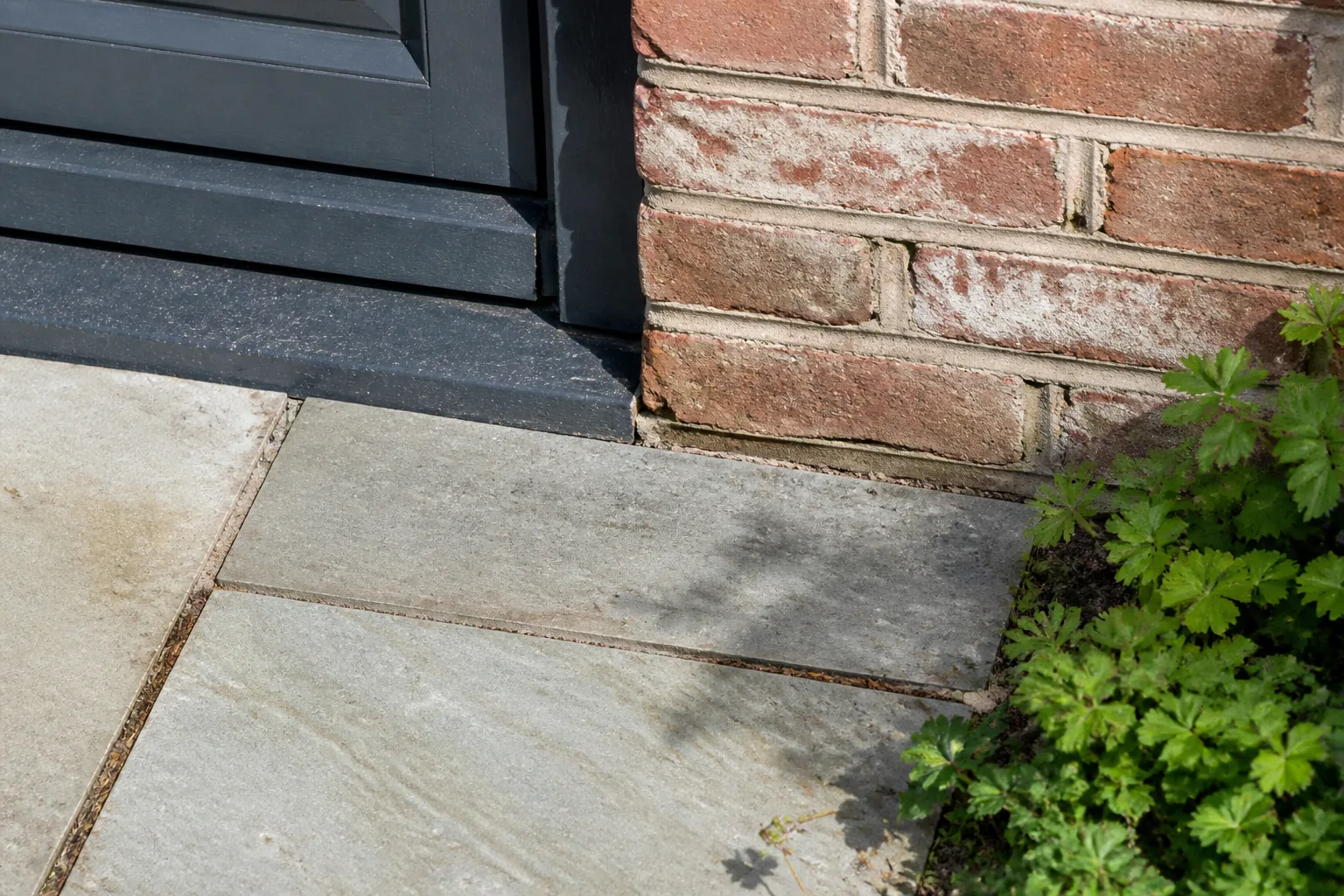
The source photo gives the model its only view of those fixed details. A clear shot with the house edges, existing paths and boundaries visible gives it more to work from. A hedge across half the frame or deep shadow over a threshold leaves room for guesswork. The photo guide for an AI backyard generator explains how to keep those references readable.
Why the instruction is not a guarantee
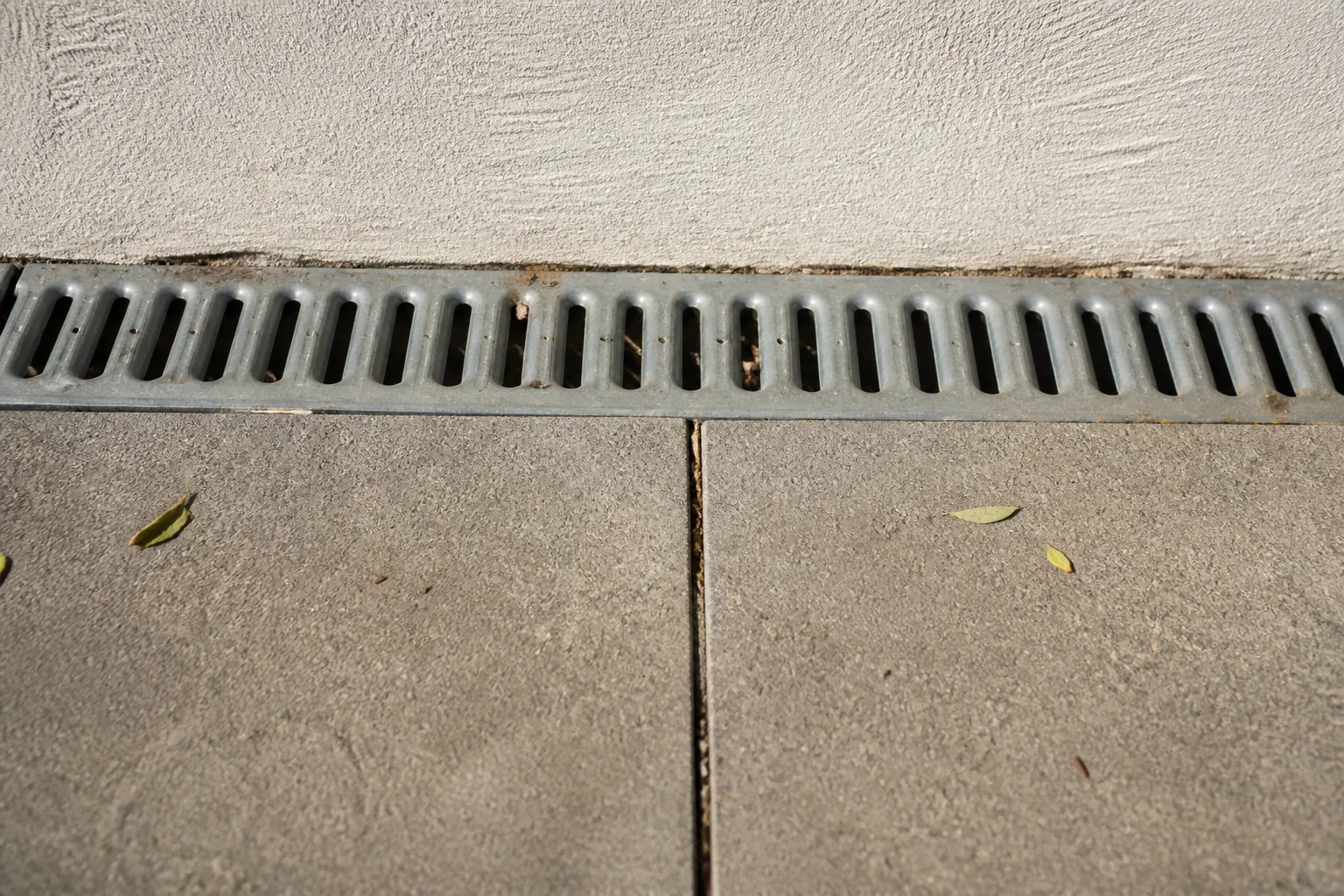
An image model redraws pixels. It does not pin the corners of your windows to measured coordinates before it starts. A small mistake can be easy to spot: a door gets narrower, a fence line wanders or paving joints stop matching the original. Other changes are subtler, such as a shifted roof edge that makes the new planting look more spacious.
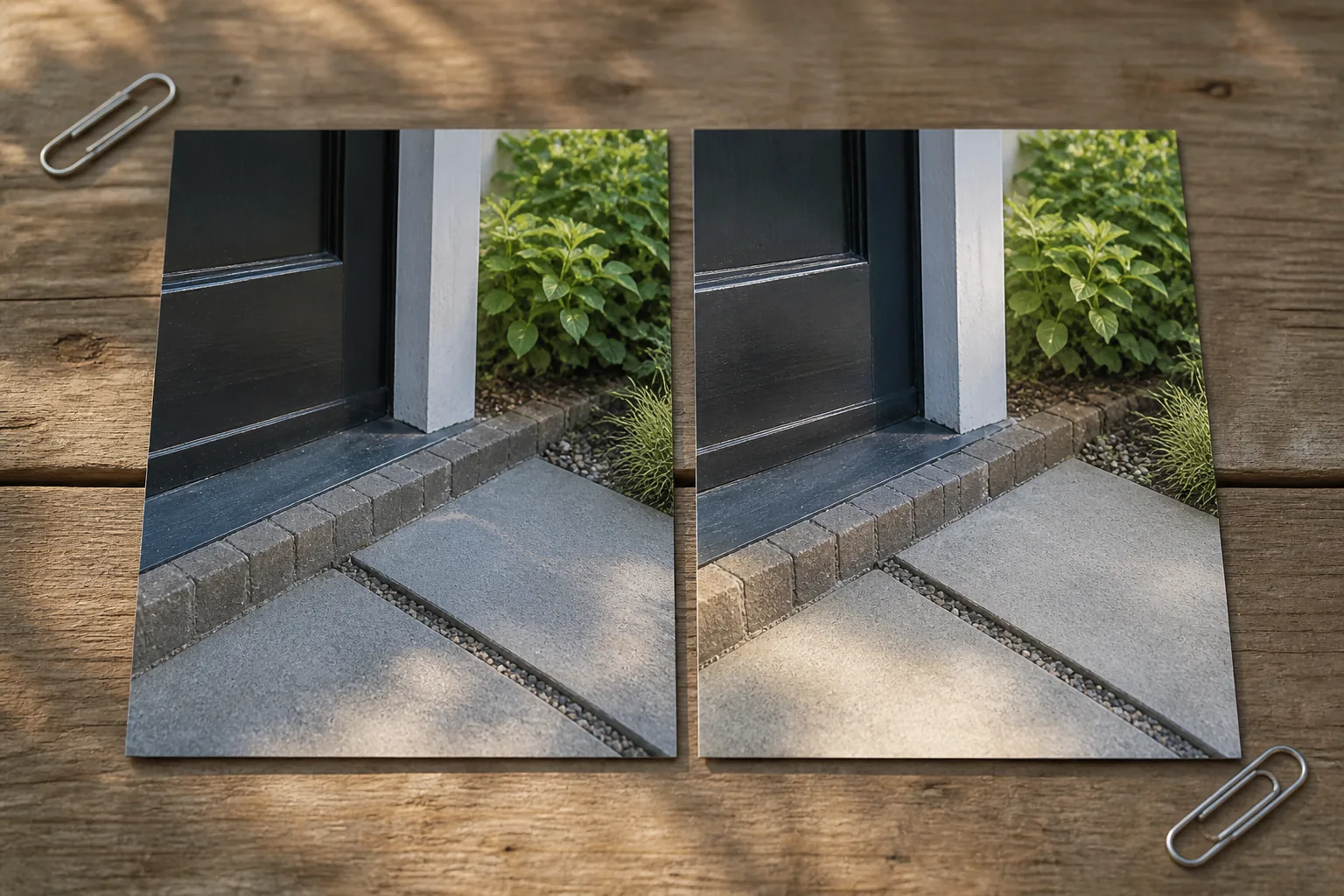
This is why the original photo should stay beside the render when you judge it. Check the building outline first, then the door and window openings. Follow the fence or wall to the back of the plot. Look at where paths meet steps, drains and thresholds. If those anchors do not line up, do not use the altered part as a planning assumption.
A garden render can still be useful when one small fixed detail is wrong. You may like the balance between lawn and planting or the position of a chair while ignoring an invented wall edge. Just be specific about which idea you are keeping. "The wide border works" is a usable preference. "Everything fits exactly as shown" is not.
Five styles break the rule on purpose
Most Gardenly styles are asked to preserve the architecture, but five are deliberate exceptions. Sketch turns the full scene into a hand-drawn line image. Cyberpunk, Post-apocalyptic, Ski Chalet and Medieval can rework the building along with the garden.
Those styles are poor choices when your main question is whether a planting direction suits the house you have. The changed architecture is part of their effect, not an accidental error. Choose a different style when comparison with the real facade matters more than the fantasy.
The exception also explains why style labels need a little judgment. A convincing image is not always a faithful image. Before you save a direction, ask whether you are responding to the garden or to a house the model invented.
How to check a render before you use it
Start with the boring parts. Compare the original and result at the corners of the house, along the roof and across the paving. These straight, familiar lines expose drift faster than a bed full of foliage. Then check whether the camera still appears to stand in the same place and whether the light falls from the same direction.
Once the fixed scene passes that check, look at the garden decisions. Notice the size of the lawn, the depth of beds, the route through the space and the furniture position. Treat those as visual suggestions. The render has no site visit, measurements, soil check or construction detail behind it.
If you share the image with a landscaper, send the original photo too and name the part you want to discuss. That lets the image do the job it is good at: making a visual preference concrete without pretending to be a buildable plan. The broader guide to how an AI garden design app works covers that handoff from picture to practical planning, and the Gardenly FAQ lists the preservation instruction and its limits.