

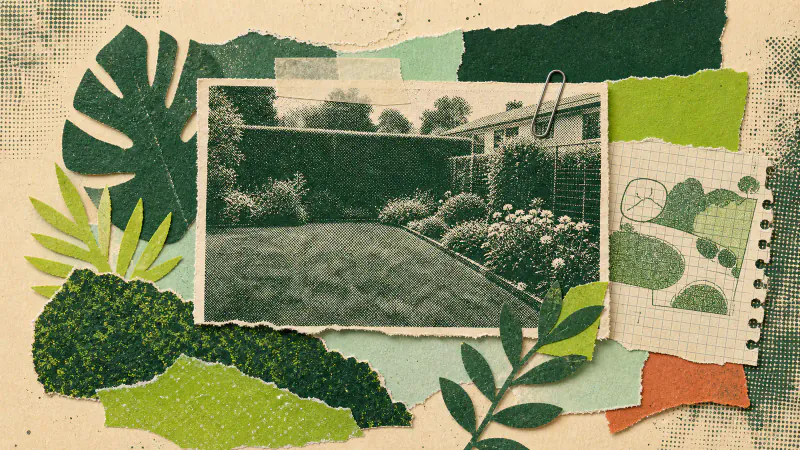
An AI backyard generator starts and ends with one photo. In Gardenly you pick a style, add a single photo of your outdoor space, and get that same space back with a new garden in it. The photo you choose decides almost everything about the result, and a better one costs nothing but ten seconds of thought about where to stand.
Stand where you actually look at the garden
Gardenly generates every render under an instruction to keep the camera position, the perspective and the framing exactly as they are in your photo. So the render answers one question: what would this view look like with a different garden in it?
Make it the view you care about. For most people that's the kitchen window, or the spot on the patio where you drink your coffee. A photo taken from a corner you never stand in produces a lovely render of a view you'll never see.
One photo per design also means you don't need to walk the plot taking a dozen angles. Pick the view that would convince you, and spend your photo on that.
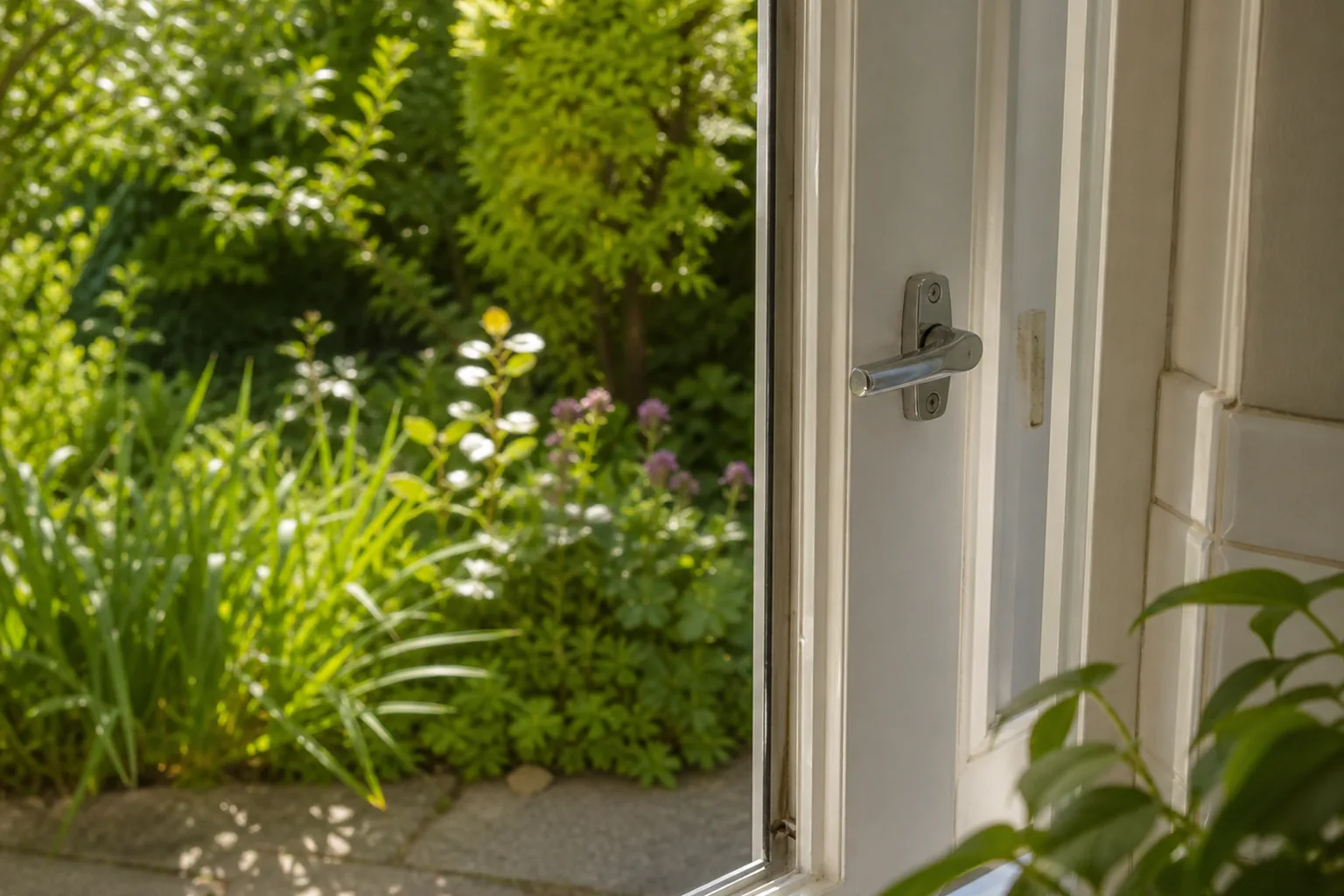
Shoot in the light you want to see
The same instruction that pins the camera also keeps the time of day and the lighting as they were. Photograph the yard on a grey November afternoon and you'll get a redesigned garden on a grey November afternoon.
That's not a flaw (it keeps the comparison honest), but it's worth knowing before you shoot. If you want to see how a style feels in decent light, photograph the yard in decent light.
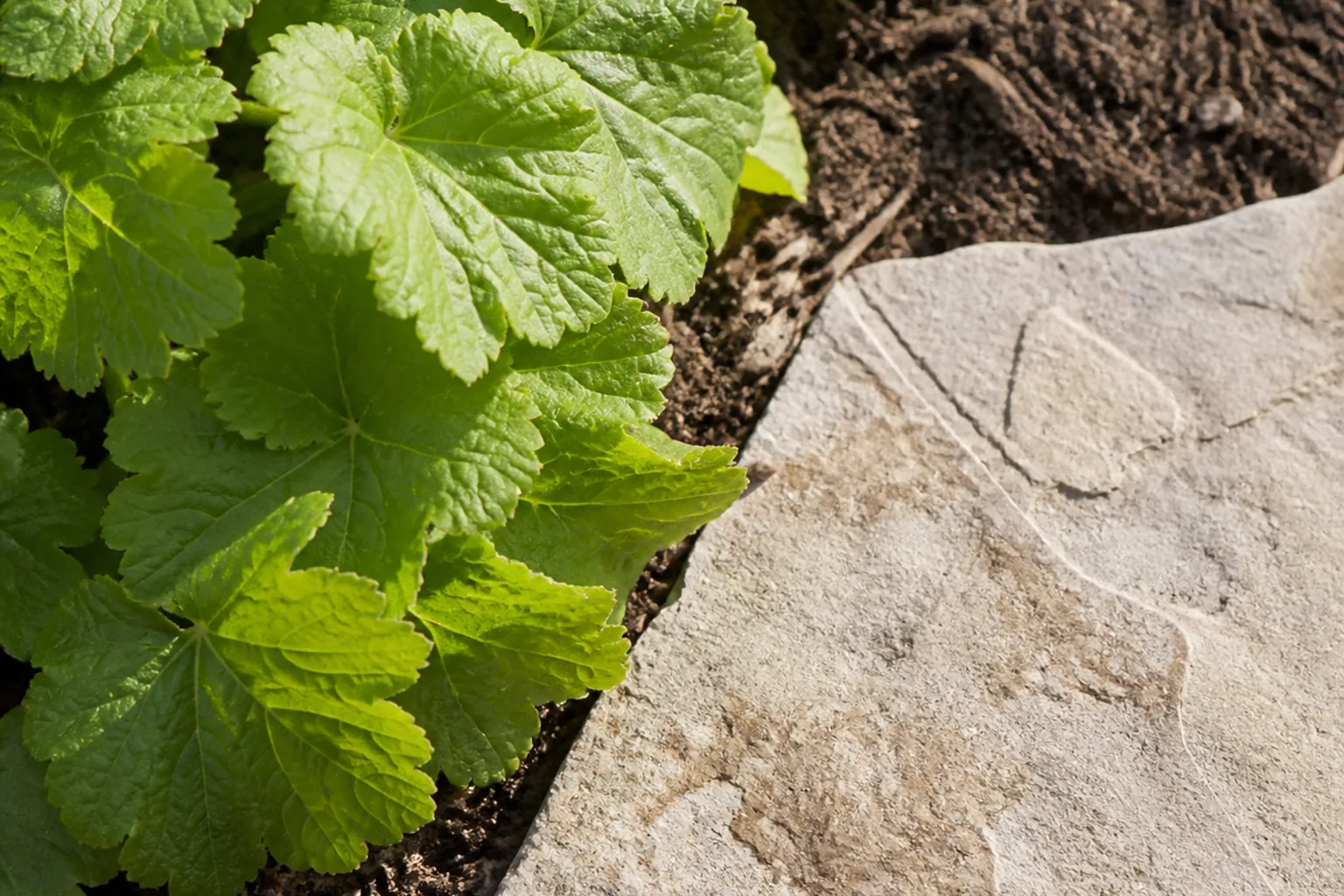
Give the render something to work with
Gardenly redraws the planting, the beds, the lawn and the garden furniture. The house, fences, walls, paths and paving are all on the do-not-touch list. So the more growable space your photo contains, the more the style has to say.
A few practical consequences:
- Fill the frame with garden rather than sky. Half a photo of clouds is half a photo the render can't do anything with.
- Backyards, front gardens and planted patios all work, because they contain lawn, beds or planting for the style to replace.
- A bare balcony is the weak case. Every one of Gardenly's styles asks for lawn and planting, so a photo of plain tiles and a railing gives the render very little to redraw.
Keep a bit of the house in frame
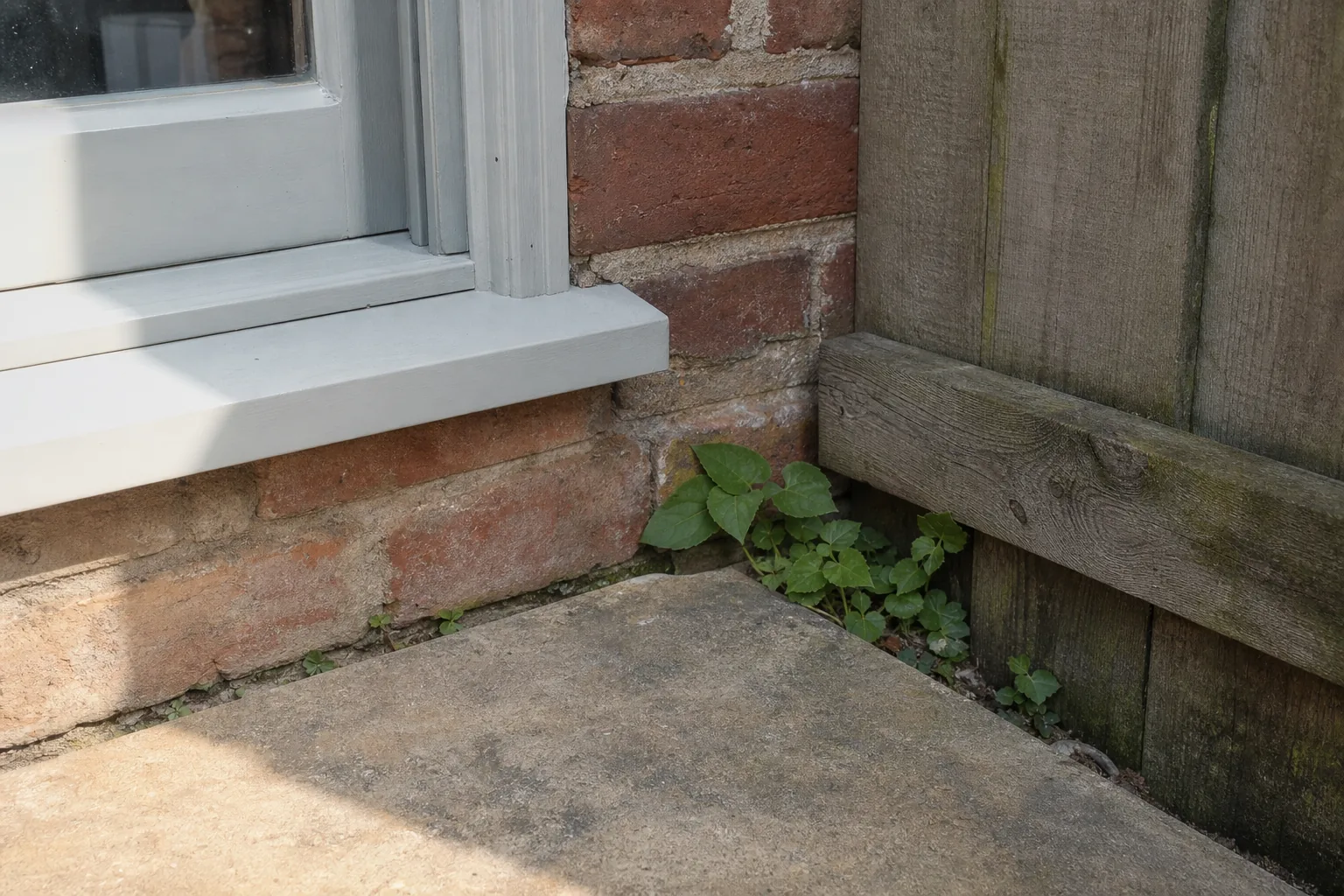
It's tempting to crop the house out and photograph pure garden. Don't. The house, the fence line and the paving are exactly the things the render is instructed to leave alone, and they're what makes the result recognisably your place rather than a generic garden photo. A slice of facade or fence at the edge of the frame anchors the whole render.
It also gives you the fastest way to judge the result. When the design comes back, your original photo sits inset in the corner, and matching the two up is much easier when something fixed, like a wall or a window, appears in both.
Then let it run
From there the app does the rest: pick a style from the gallery, add the photo from your camera, your library or Files, and tap Generate. Keep the app open, since a design can take up to a minute, and the render lands in your History alongside everything else you've tried.
Your first design is free, so the cheapest experiment is exactly the one this post is about: one considered photo, one style you're curious about, and a minute of waiting. If the answer to "what would this view look like?" is worth having, it's worth taking the photo properly.
The Gardenly FAQ answers the rest, including what the render changes, what it keeps and how long a design takes.